Swipe to delete photos on iPhone
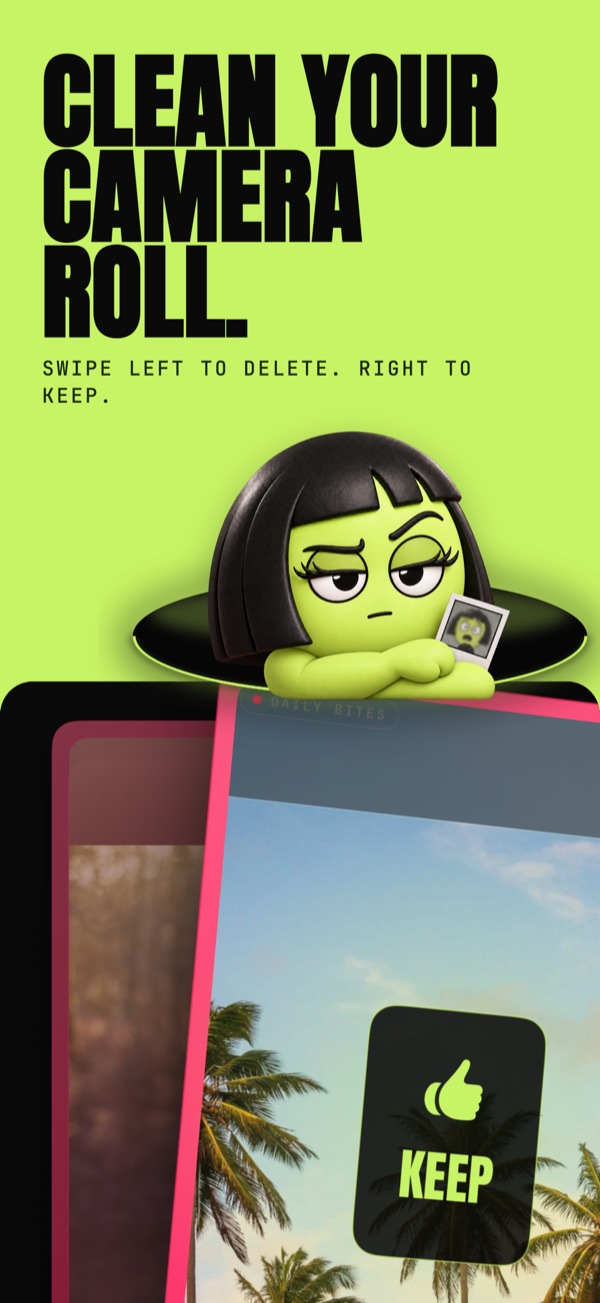
Apple’s Photos app has no swipe-to-delete: you tap Select, mark photos and tap the trash. LuminaClean adds it: swipe left to delete, right to keep, undo any swipe, and check every marked photo on a double-check screen before anything is deleted.
Deleted photos go to Recently Deleted, where you can get them back for 30 days.
How to do it
- Open LuminaClean and start a swipe session from the Clean tab, or swipe through one of the on-device categories (People, Pets, Receipts, Screens and more).
- Swipe left to mark a photo for deletion, right to keep it.
- Swiped the wrong way? Tap undo.
- Review the marked photos on the double-check screen, then delete.
- Leaving halfway? Save for Later keeps your marked photos until you come back.
Without an app
In Photos, tap Select, then drag your finger across a row of thumbnails to mark several at once, and tap the trash. It is quick for a run of bad shots in a row. It does not show you one photo at a time, and it does not find the duplicates, blurry shots and screenshots for you.
Swiping is free.
Deleting: 65 photos or 1 GB to start, whichever comes first, then 30 free deletes every day. Deleting large videos, Live Photos, converted and compressed items is free and unlimited.
An optional Premium subscription unlocks unlimited deleting. No account needed.
Your photos are analyzed on your iPhone and never uploaded. We only collect anonymous usage stats.
LuminaClean is free on the App Store.
iPhone, iOS 17.6 or later. No account.
Questions
Does swiping left delete the photo right away?
No. Swiping left marks the photo. You review everything you marked on a double-check screen before anything is deleted, and deleted photos go to Recently Deleted, where you can recover them for 30 days.
How many photos can I delete for free?
65 photos or 1 GB to start, whichever comes first, then 30 free deletes every day. Deleting large videos, Live Photos, converted and compressed items is free and unlimited. An optional Premium subscription unlocks unlimited deleting.
Can I undo a swipe?
Yes. Undo reverses your last swipe. After deleting, you still have 30 days to restore photos from Recently Deleted.
What happens if I stop halfway?
Save for Later keeps the photos you marked. They wait in the Clean tab until you review or clear them.