Make a reel from your camera roll
In LuminaClean’s Create tab, pick a day, a month or 6 to 30 photos, choose a style (Flash Dump, Pile-On or Polaroid) and export a 9:16 reel at 1080×1920, ready for Instagram or TikTok. Reels export without sound, so you add music in the app where you post.
How to do it
- Open LuminaClean, tap Create, then Memory Reel.
- Pick what goes in: a day, a month, or 6 to 30 photos you choose.
- Choose a style: Flash Dump (fast beat cuts), Pile-On (photos stacking 2 to 5 at a time) or Polaroid.
- Add stickers if you want. Drag, pinch and rotate them, on one photo or across the whole reel. An optional Lumina end card closes it.
- Export the 9:16 reel and post it. Add music on Instagram or TikTok.
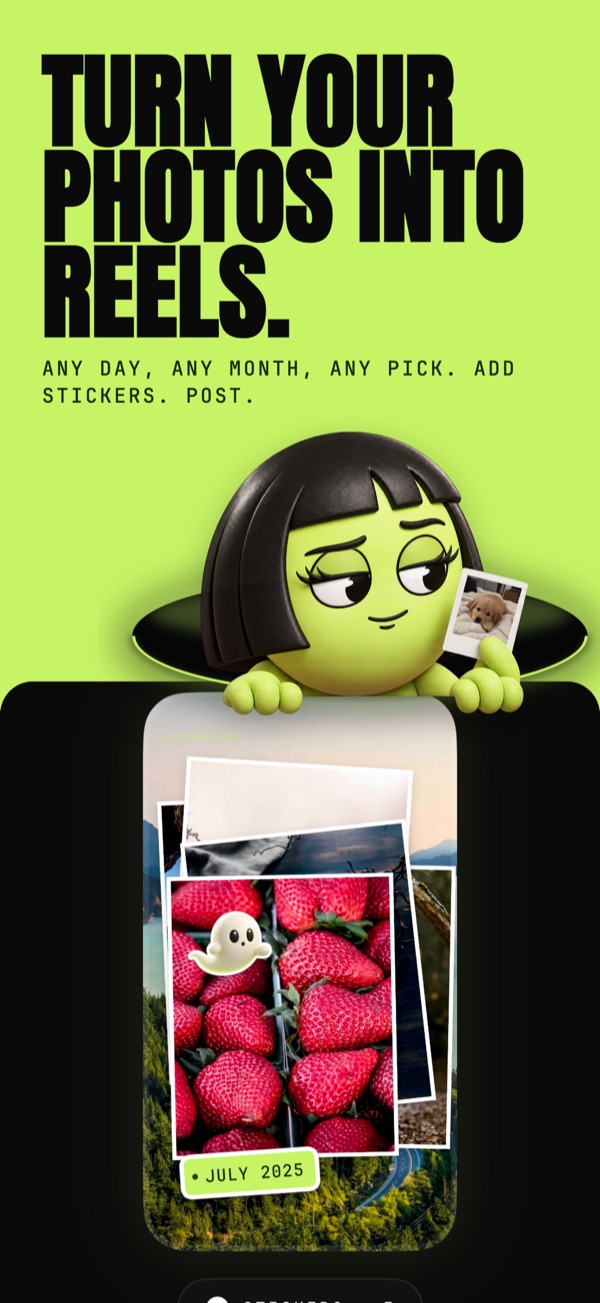
Faces stay in frame when photos are cropped to 9:16, so nobody loses half a head to the vertical format.
Or let Lumina pick
Made for You in the Memories tab does the choosing. After a trip or a busy day, Lumina picks the standout photos, skips near-duplicates, receipts and screenshots, and offers a ready-made reel. You can hide it or turn it off in Settings.
Memory Reels are free.
All three styles, stickers and Made for You reels. No Premium needed, no account.
Your photos are analyzed on your iPhone and never uploaded. We only collect anonymous usage stats.
LuminaClean is free on the App Store.
iPhone, iOS 17.6 or later. No account.
Questions
Is the reel maker free?
Yes. Memory Reels are free in LuminaClean, including all three styles, stickers and the ready-made reels in Made for You. No account is needed.
Do the reels have music?
No. Reels export without sound. Add music in Instagram, TikTok or wherever you post.
What size are the reels?
Vertical 9:16 at 1080×1920, the format Instagram Reels and TikTok use. Faces are kept in frame when photos are cropped.
How many photos can go in one reel?
Pick 6 to 30 photos yourself, or start from a whole day or a whole month of your camera roll.